Guest received a "Sorry, You've been blocked" message

At least one of our guests on our invite list received this message saying they have been blocked, when clicking on the link to rsvpify. We have had others successfully rsvp so I'm not sure why only some guests are being blocked, as they are confirmed on our guest list with no limitations. 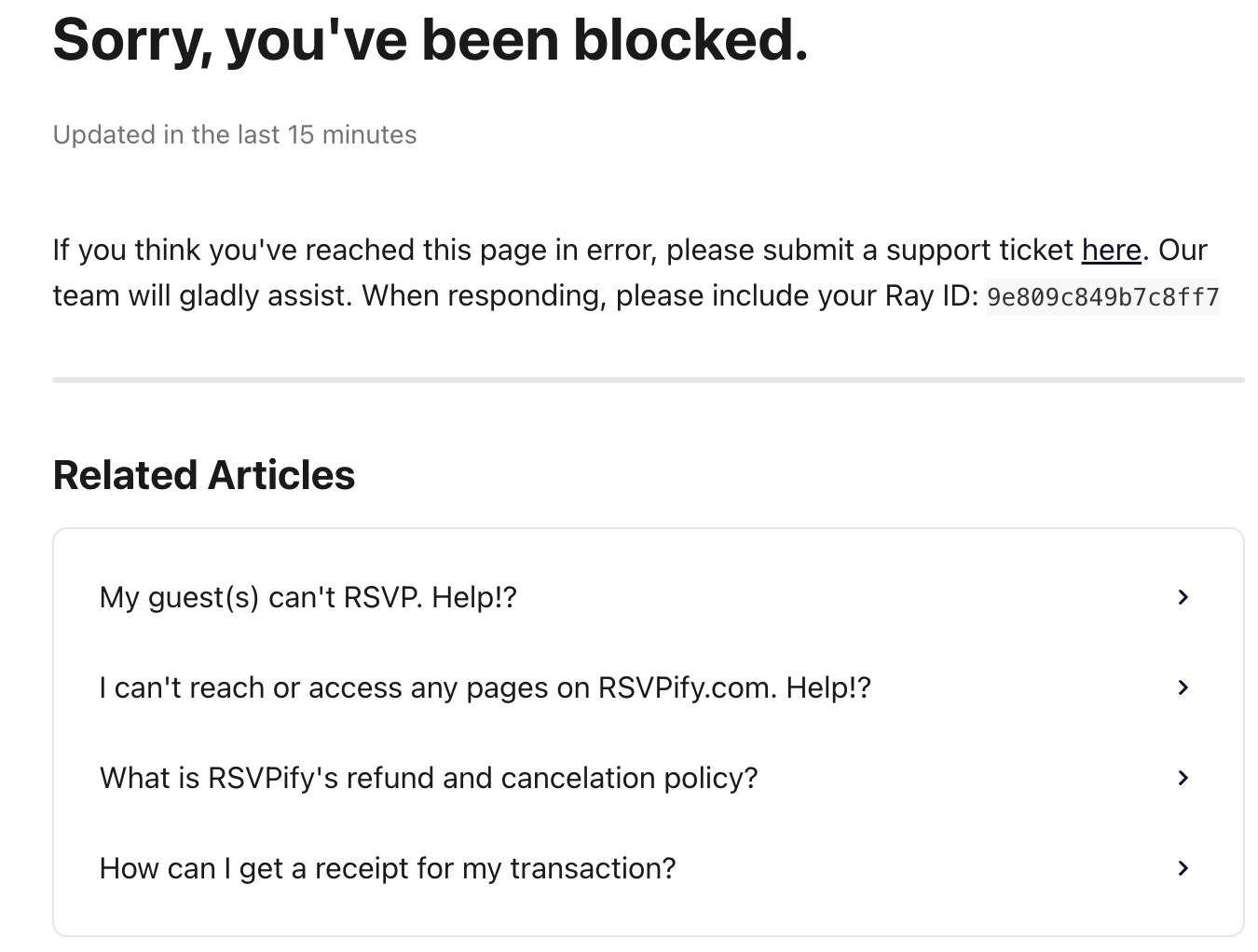
-
Official comment

Hi there!
Thank you for reaching out and I am sorry to hear Ruth is experiencing this!
The blocked message is typically triggered by the guest's own network or device settings rather than anything on your event itself. Since other guests are RSVPing successfully it is almost certainly something on Ruth's end such as a VPN, corporate firewall, browser extension or strict network security settings that is flagging the RSVPify link.
Could you ask Ruth to try the following steps as these usually resolve it straight away:
Disable any active VPN or proxy, try a different browser such as Chrome, Safari or Firefox, open the link in an incognito or private browsing window, try on a different device such as her mobile, or switch to a different internet connection such as cellular data instead of WiFi.
If she is still blocked after trying those steps, could you ask her to share the Ray ID from the bottom of the error page? It looks something like this: Ray ID: 9e83c976db824383. Once we have that we can investigate and lift the block from our end!
Please sign in to leave a comment.
Comments
1 comment