Where do I see my guests meal selections and can I export the list?

-

Hi Hayleigh! You will find the list if you go to Reporting > Meal Preferences. This is what it looks like in my account,, and there is that 'export' button if you want to download the list:
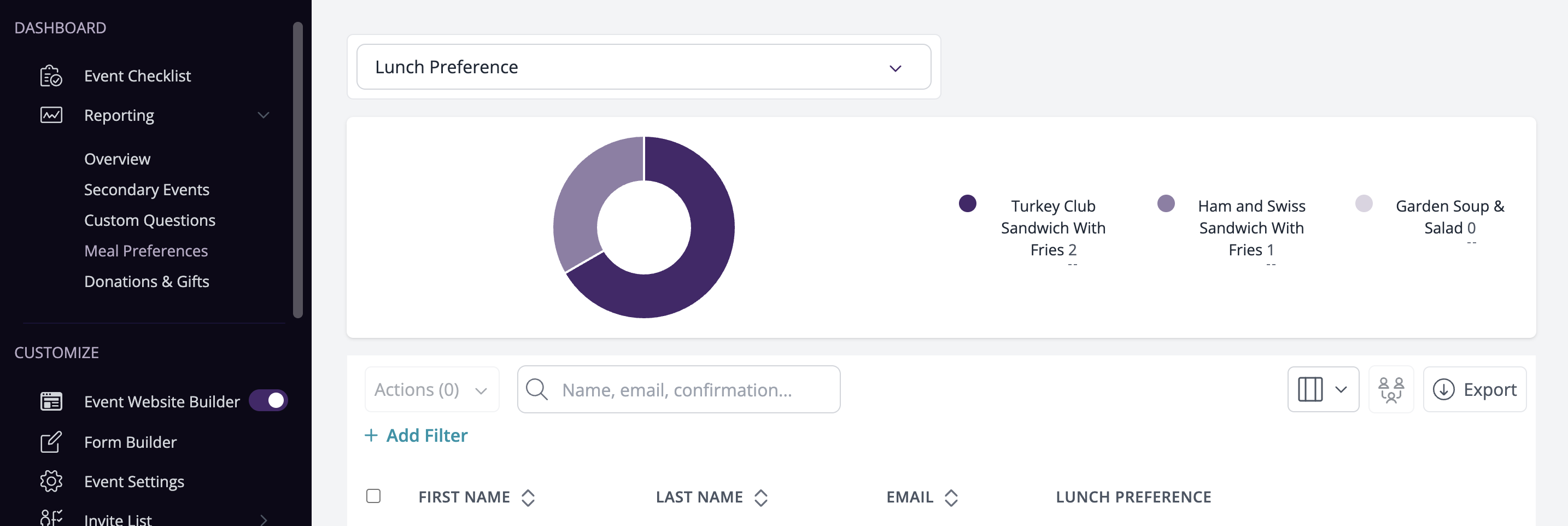
Now I would like to know if it's possible to download seating arrangements together with the meal preferences. If not, I'll download and send 2 spreadsheets to my vendor but having all that in one place would be awesome. Does anyone know how to achieve that?
0 -

Hayleigh and Kian,
Thank you for being a part of our Community!
Kian -- you can get this export directly from your seating chart. By default, seating chart exports will contain the names of the guests, their replies, seating arrangements, and meal preferences. Just head to your seating chart and click on the export button and you should be all set there.
If you have any questions, please let us know!
Best,
Lamija
The RSVPify Team0
Please sign in to leave a comment.
Comments
2 comments