Can I invite my colleague to manage this event with me?

-

Hi Harry,
Thanks for sharing this question with the community!
Yes, you can share your event with a colleague that needs to have access to help you with event management. This is done through the event-sharing section by adding them as co-manager.
I'd recommend you check out this guide that explains the process of adding co-managers for your event: How do I add co-managers to my event?
I hope this helps, but let us know if you have any additional questions!
Best,
Emir
The RSVPify Team0 -

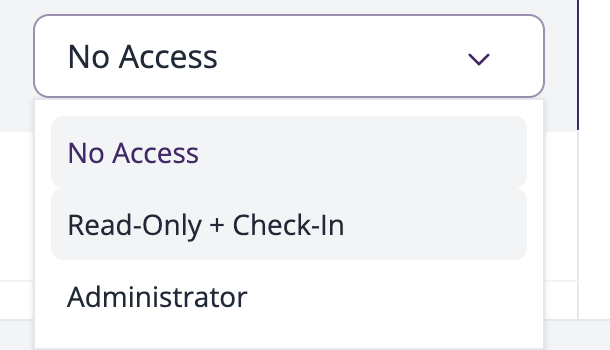
Hello! What is the difference between admin and read-only+check-in co-managers?
 0
0 -

Hi Marco!
Happy to clarify:Read-only users don't have access to your event's setup. They can't make any changes to your event website or the registration form but they can keep track of your registrations/RSVPs with complete access to your event's dashboard. They can check-in guests on the day of your event, tag and untag guests and add notes during the check-in process.While read-only co-managers are restricted from seeing the event's setup, those with an admin status can see and make changes to the setup and event's details. They also have full access to your dashboard and can keep track of your RSVPs and sales.
Hope this helps clarify things for you but let us know if you have any additional questions!
Best,
Keegan
The RSVPify Team0
Please sign in to leave a comment.
Comments
3 comments